
Anime World APK Watch Anime on Android
Anime World APK brings anime series and movies into one simple viewing experience with subbed and dubbed content, flexible video quality, offline viewing and easy navigation.
Anime World APK
Anime World APK is an entertainment app for people who like to browse and watch anime on Android devices. It keeps available shows, movies, episodes, and other content in one place, so users can find something without moving through many different pages. The interface focuses on simple mobile viewing and includes search, categories, language choices, quality controls, and other playback options described in the source material. It is especially useful for viewers who prefer watching on a phone or tablet. The actual experience can still depend on the device, internet connection, storage, and app version. Content may also change over time, so every title or feature may not always stay available.
What Is Anime World APK?
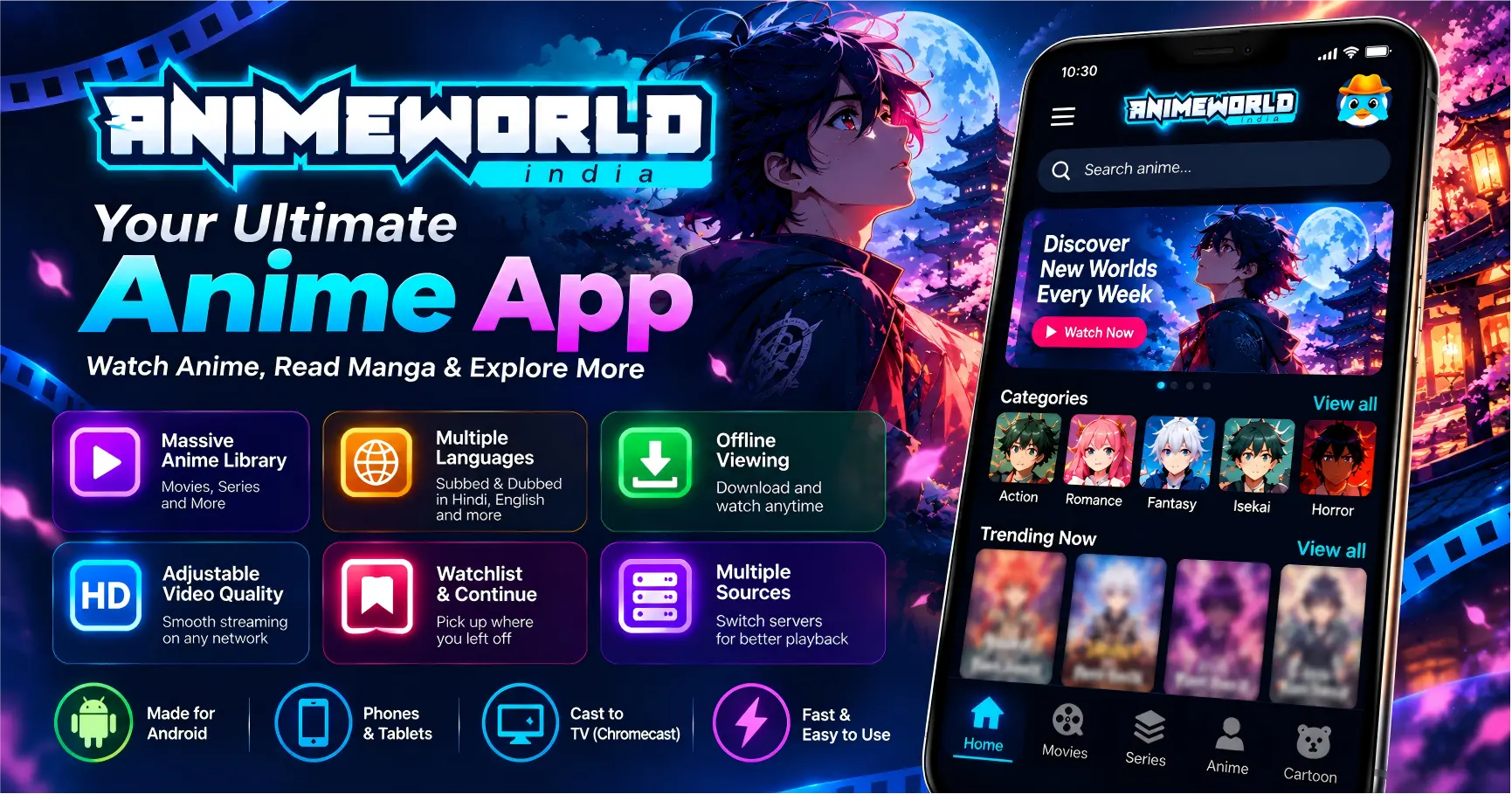
Anime World is a mobile entertainment application focused on anime and related content. Users can open the app, browse available sections, search for a title, choose a series, and check its episodes from one interface. The supplied information also describes manga reading as part of the platform, which gives users another type of content to explore. It is mainly designed around Android devices and aims to keep navigation easy for people who do not want a complicated streaming interface. The source material also lists several language options, including Hindi, Tamil, Telugu, Malayalam, Kannada, Bengali, English, Japanese, and Korean, although the languages available can naturally vary between individual titles.
How Does Anime World Work?
Using the Anime World app is fairly straightforward after installation. Users can open the home screen and browse categories when they do not have a particular title in mind, or they can use search to find something directly. After opening a series, the available episode list helps them choose what they want to watch. The player may provide basic playback and quality controls, while some versions can include additional viewing options. The supplied material also describes a continue-watching function that can remember where an episode was stopped. This keeps normal use simple because users can browse, select an episode, watch it, and later return to their content without going through too many steps.
Main Features of Anime World APK
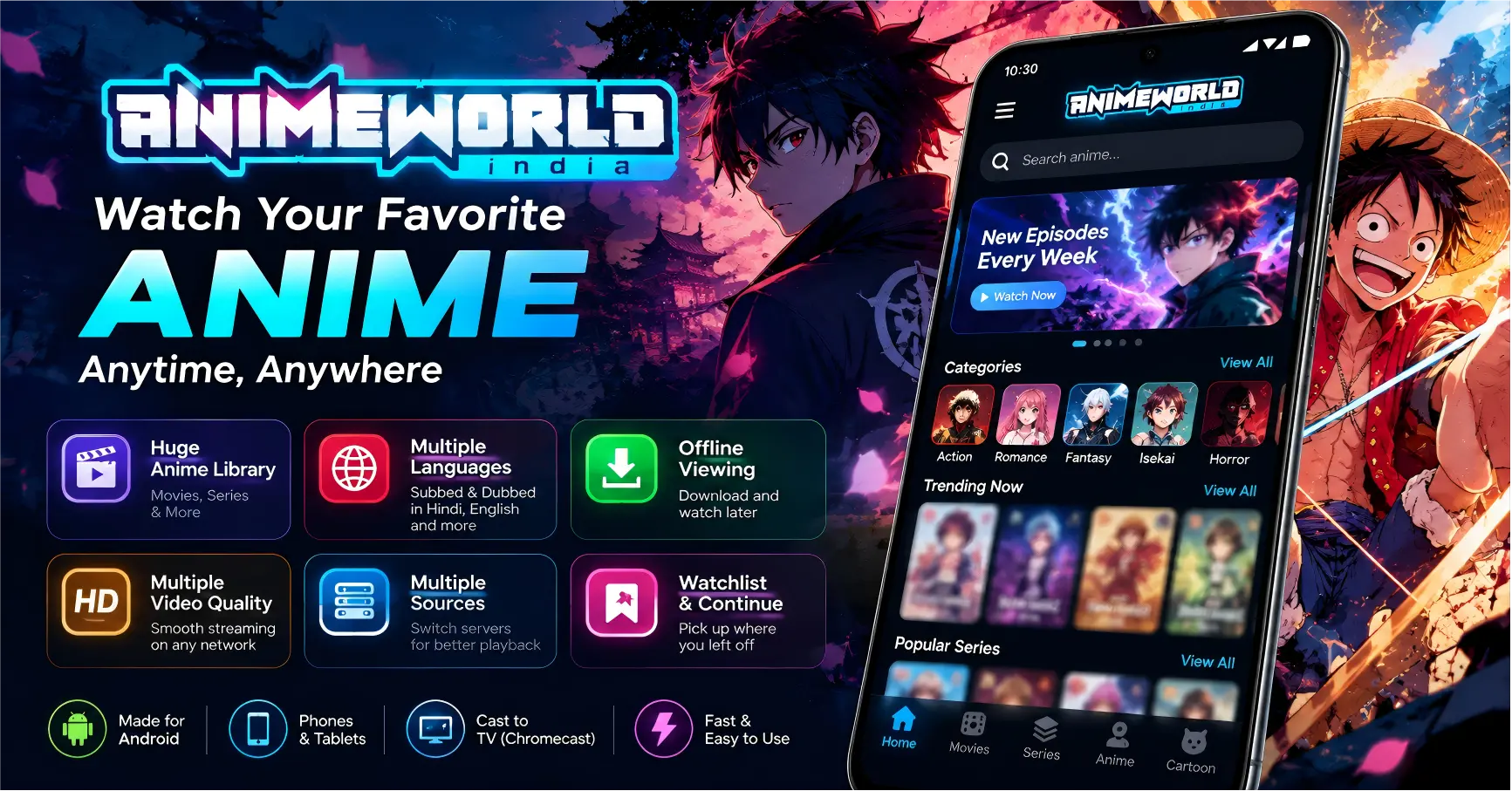
The app includes several features for browsing and watching anime. Instead of repeating the same benefits in separate sections, the main options are explained below.
Anime Content Library
The content library brings different types of anime into an organized space. Users can explore action, romance, fantasy, isekai, sports, horror, comedy, movies, series, and other available categories instead of searching title by title. The supplied source describes a mixture of classic and newer content, although the actual library can change over time. This type of organization is helpful when users know what genre they want but have not chosen a particular show yet. It also makes discovery easier for new viewers because they can move through categories and open whatever looks interesting.
Simple Search and Navigation
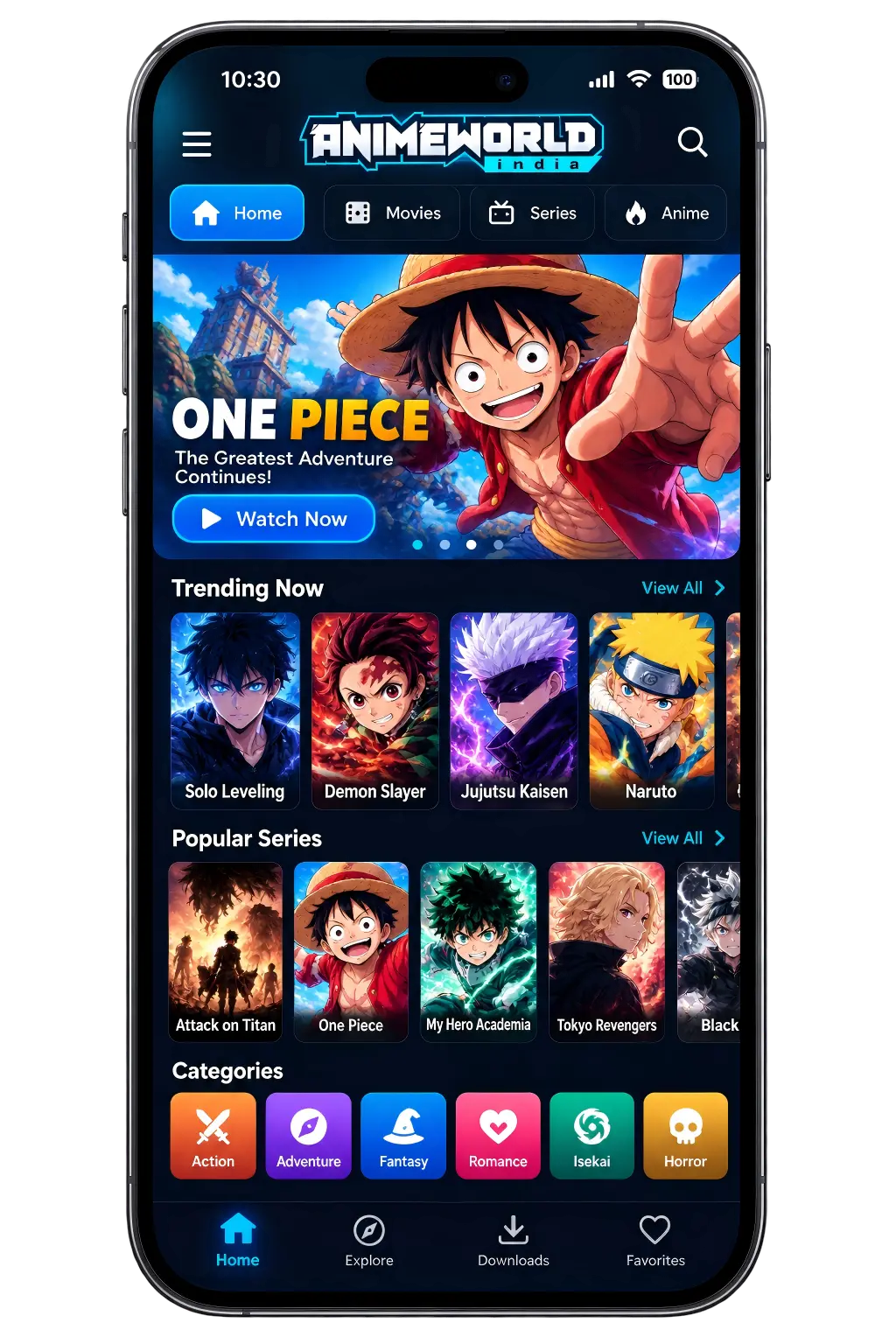
The interface is designed around easy browsing, with search and organized content sections helping users move through the app. The source material describes a home screen with areas for trending titles, recently updated episodes, featured content, and recommendations. Anime posters and visible categories can make titles easier to recognize without opening every page. Search is more useful when you already know what you want, while categories work better for general browsing. These options reduce unnecessary steps and keep the main controls fairly easy to find, which is useful on smaller phone screens.
Adjustable Video Quality
Video quality can matter when internet speeds are not always stable. According to the supplied article, the app provides different playback quality choices that users can select according to their connection. A lower setting may be more suitable when using limited mobile data or a slower network, while a higher option can provide a clearer picture when the connection is strong. This gives users some control instead of forcing the same streaming quality in every situation. However, smooth playback still depends on internet speed, server availability, and the device being used.
Subbed and Dubbed Anime
Language support is useful for viewers who prefer anime in a familiar language. The source material describes Japanese and English audio along with Hindi dubbing and different subtitle choices, including Hindi, Tamil, English, and other regional options. This can make dialogue easier to follow for viewers who do not always prefer the original Japanese audio. Available audio and subtitle tracks can still differ from one title to another, so users should check the options provided for the episode they are watching. The app therefore gives language flexibility where supported rather than requiring everyone to use the same audio track.
Offline Viewing
Anime World APK offline viewing is described as an option for saving supported episodes to a phone or tablet. This can be useful before travelling or when users know that a stable internet connection may not be available later. Saved content also reduces the need to stream the same episode again through mobile data. However, downloads take up device storage, so users should check available space before saving several videos. Offline availability can also depend on the content and version being used, which means users should not assume that every episode will always provide a download option.
Multiple Streaming Sources
The supplied information describes multiple streaming servers as another playback option. If one available source has loading or buffering problems, users may be able to switch to another without leaving the episode completely. This can be useful when one server is busy or temporarily slow. Still, multiple sources cannot guarantee perfect playback because the user’s own connection and the availability of the service also matter. If a video is loading slowly, checking the network and trying another available source can be a practical first step instead of repeatedly closing and reopening the entire app.
Manga Reading
Anime is not the only content mentioned in the supplied material. It also describes an integrated manga section where users can read available manga alongside video content. Keeping both formats in one application can be convenient for people who enjoy following a story in more than one form. A user may watch a series and then explore related manga without needing another separate application for basic browsing. The available manga library can change, just like the video collection, but having this section gives the app another content option beyond normal episode streaming.
Dark Interface
A dark interface is used to keep the app comfortable during evening or low-light viewing. According to the source material, darker backgrounds are used across the interface while posters and other visual content remain easy to see. This can also give the app a cleaner appearance when users spend a longer time browsing through different titles. Dark mode does not change the actual streaming content, but it can make menus and navigation feel more comfortable in certain environments. Users who regularly browse anime at night may find this type of interface more suitable than a very bright screen.
New Episode Notifications
Notifications can help viewers keep track of shows they are following. The source material describes alerts for new episodes or chapters, along with notification choices related to language releases. This can save users from repeatedly opening the app only to check whether something new has appeared. At the same time, not everybody wants frequent alerts, so notification access should be managed according to personal preference. Android settings can normally be used to control whether an application is allowed to send notifications, making this feature optional for people who prefer a quieter experience.
Continue Watching
Users do not always finish a complete episode in one sitting. The supplied article describes resume playback that can continue content from the previous stopping point, along with a watchlist for keeping selected titles organized. This can be helpful with longer episodes or when someone watches several different series at the same time. Instead of searching for the episode and finding the previous position again, the app may keep that progress ready for later. It is a small convenience, but it makes regular viewing easier for users who open and close the application throughout the week.
Picture-in-Picture Viewing
Picture-in-picture can place a playing video inside a smaller floating window while another supported task is being used on the phone. The source article describes this feature as a way to keep an episode visible while moving outside the main player. It may be useful when replying to a message or briefly checking another application without completely stopping playback. Support can depend on the Android device, operating system, and app version, so the option may not behave exactly the same everywhere. Users can check their device settings if picture-in-picture is available but does not start normally.
TV Casting
For people who prefer a larger screen, the supplied material describes Chromecast support for sending available video from the phone to a compatible television. This changes the viewing setup without requiring users to browse for the same episode separately on the TV. Both the device and television setup need to support the required casting method for it to work. When compatible equipment is available, casting can make the app more useful at home because content selected on a phone can be viewed on a larger display instead.
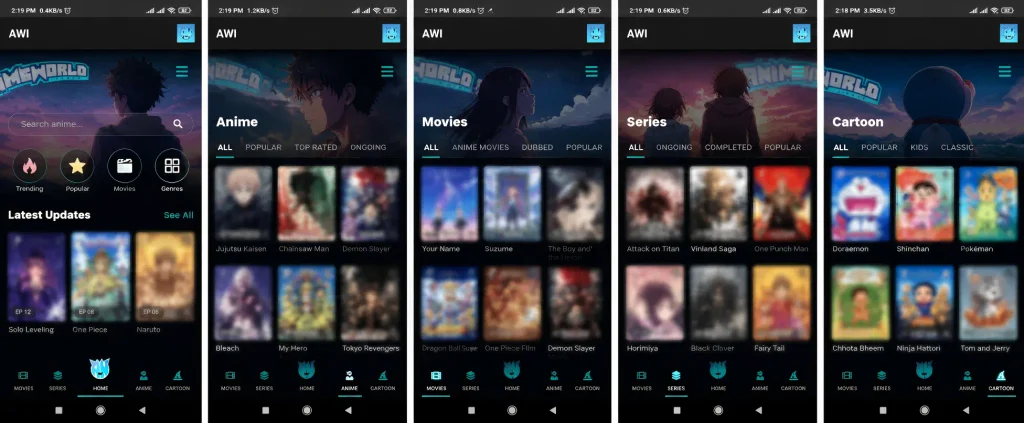
Anime Categories
Anime World organizes content into different categories, which can make browsing easier when users are not searching for one exact show. The supplied article mentions shonen, shojo, isekai, action and adventure, horror and thriller, slice of life, movies, series, cartoons, and seasonal anime among the available sections. Users can therefore explore content according to mood or genre rather than relying only on search. The source also describes cartoons and regional-language entertainment alongside anime, giving the library a wider focus. Since online libraries change over time, particular shows should not be treated as permanently available.

How to Use Anime World
After installation, normal use can be kept to a few basic actions. Open the application and wait for its home screen to load, then browse categories or use search for a specific anime. Open the title page, check the available episodes, and choose the one you want to watch. When playback starts, use the controls provided by the player and select an appropriate video quality if that option is available. Users can also check language, subtitle, or offline options when supported by the selected content. When finished, close the player normally, and the resume feature may help continue the episode later.
Android Compatibility and Requirements
The supplied app information lists Android 6.0 and above as the stated system requirement for Anime World APK for Android. Meeting the Android requirement does not always mean every phone will provide exactly the same performance. Available storage, memory, internet quality, and the particular app release can all affect normal use. Older devices may load content more slowly or have compatibility problems with newer releases. Users should therefore check their Android version and free storage before installation, especially when replacing an older version that already works on the device.
Anime World on PC
Users searching for Anime World APK for PC should remember that an Android package is not a normal Windows program. A compatible Android application may instead run inside an Android emulator installed on the computer. The emulator creates an Android environment where the installation file can be opened and used. This setup requires a few extra steps compared with using an Android phone, and performance can vary depending on the computer and emulator. The source material does not describe a separate native Windows edition, so an emulator should be treated as an alternative way of running the Android version rather than a dedicated PC release.
Anime World on iPhone and iPad
People searching for Anime World APK for iOS should know that an Android APK cannot normally be installed directly on an iPhone or iPad. Android and iOS use different application systems and installation formats. If an official iOS-compatible version becomes available, users should use the distribution method intended for Apple devices instead of trying to force an Android file onto iOS. The supplied articles do not provide a confirmed iPhone installation package. Because of this, users should be careful with websites claiming that a normal Android file can directly install on an iPhone with no separate iOS version.
Data and Storage Use
Streaming video uses internet data, while offline content uses storage on the device. Users with a limited mobile data plan can choose a lower video quality when the player provides that option, which may help reduce data use during longer viewing sessions. The source material also describes saving supported episodes for offline watching, which can be useful before travelling or entering an area with poor connectivity. However, downloaded episodes remain on the device and take up space. Removing content that is no longer needed can help keep enough storage available for the app and other phone functions.
Common Problems and Basic Fixes
When Anime World APK not working becomes an issue, users can start with simple checks before changing anything major. If the app does not open, close it and restart the phone, then check whether enough free storage is available. For loading or buffering problems, test the internet connection and try another available video quality or streaming source. Installation failures can happen when the downloaded file is incomplete, the Android version is incompatible, or permission has not been given to the browser or file manager handling the installation. Users should avoid downloading several random files as a quick fix because this can create more problems instead of solving the original one.
Safety and Permissions
Manual installation needs a little more attention than installing an app through an official store. Users should check where the installation file comes from, review Android security messages, and read requested permissions before approving them. A permission should not be accepted simply because the app asks for it. Updates also need similar care because manually installed applications may require users to obtain a newer installation file themselves. The supplied article specifically recommends checking the source and version information before replacing an existing installation. These basic steps do not guarantee that every file is safe, but they help users make a more careful decision before installing software outside an official app store.
Pros and Cons
Pros
Cons
Frequently Asked Questions
Conclusion
Anime World APK provides an organized way to browse anime and related entertainment from an Android device. Its useful options include content categories, search, language choices, adjustable playback, offline viewing, manga reading, resume playback, and other tools described in the supplied material. The experience can still vary according to the phone, internet connection, content, and app version, so users should not expect every feature to behave identically on every device. Those planning to install it should also check compatibility, storage, file source, and permissions first. The separate download page below focuses on those installation and setup steps instead of repeating the full app overview.